AIE-1 How Do I Get A Templated AI Employee From The Marketplace?
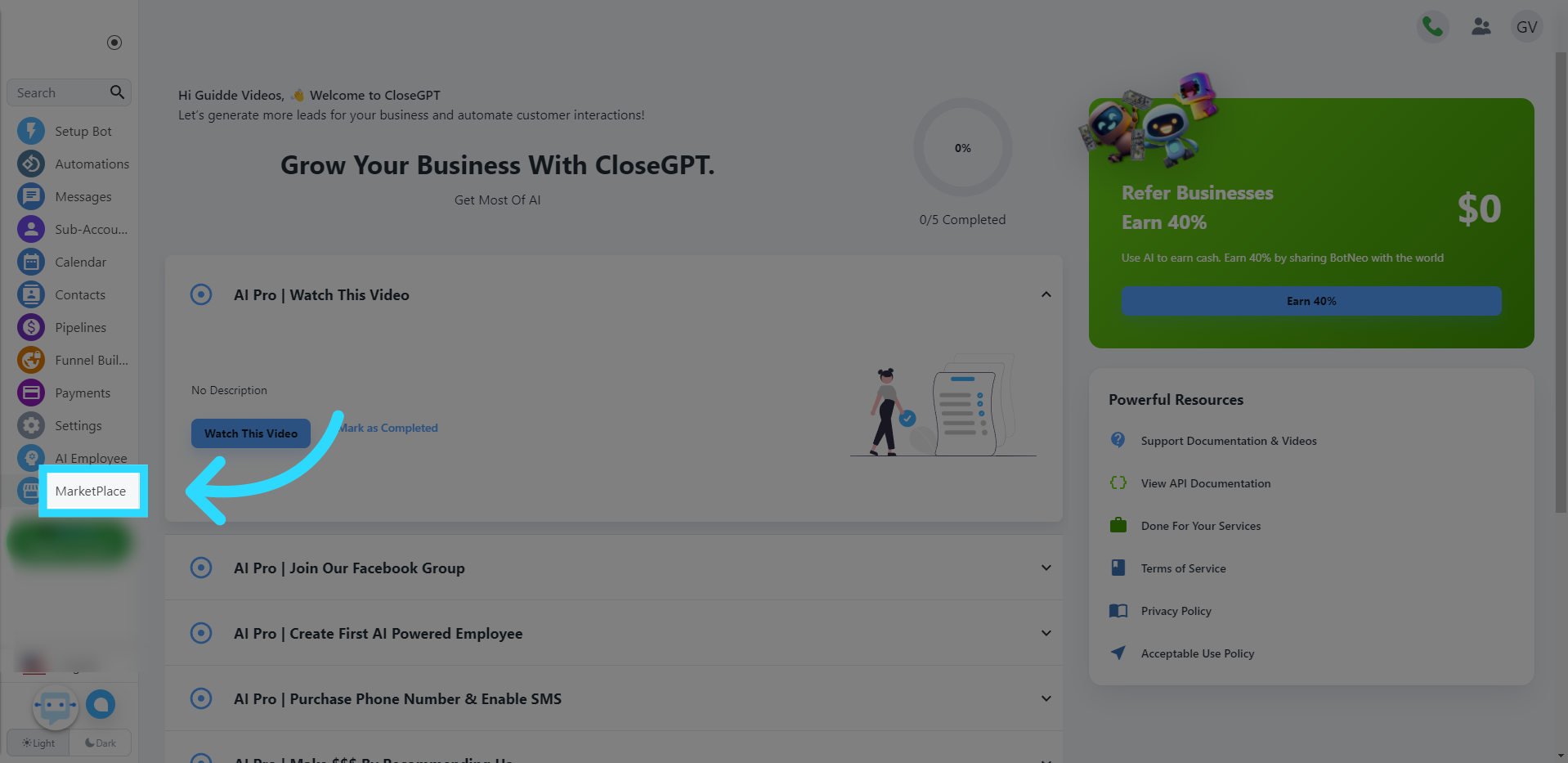
Click "MarketPlace"
Go to the Marketplace section of the application.
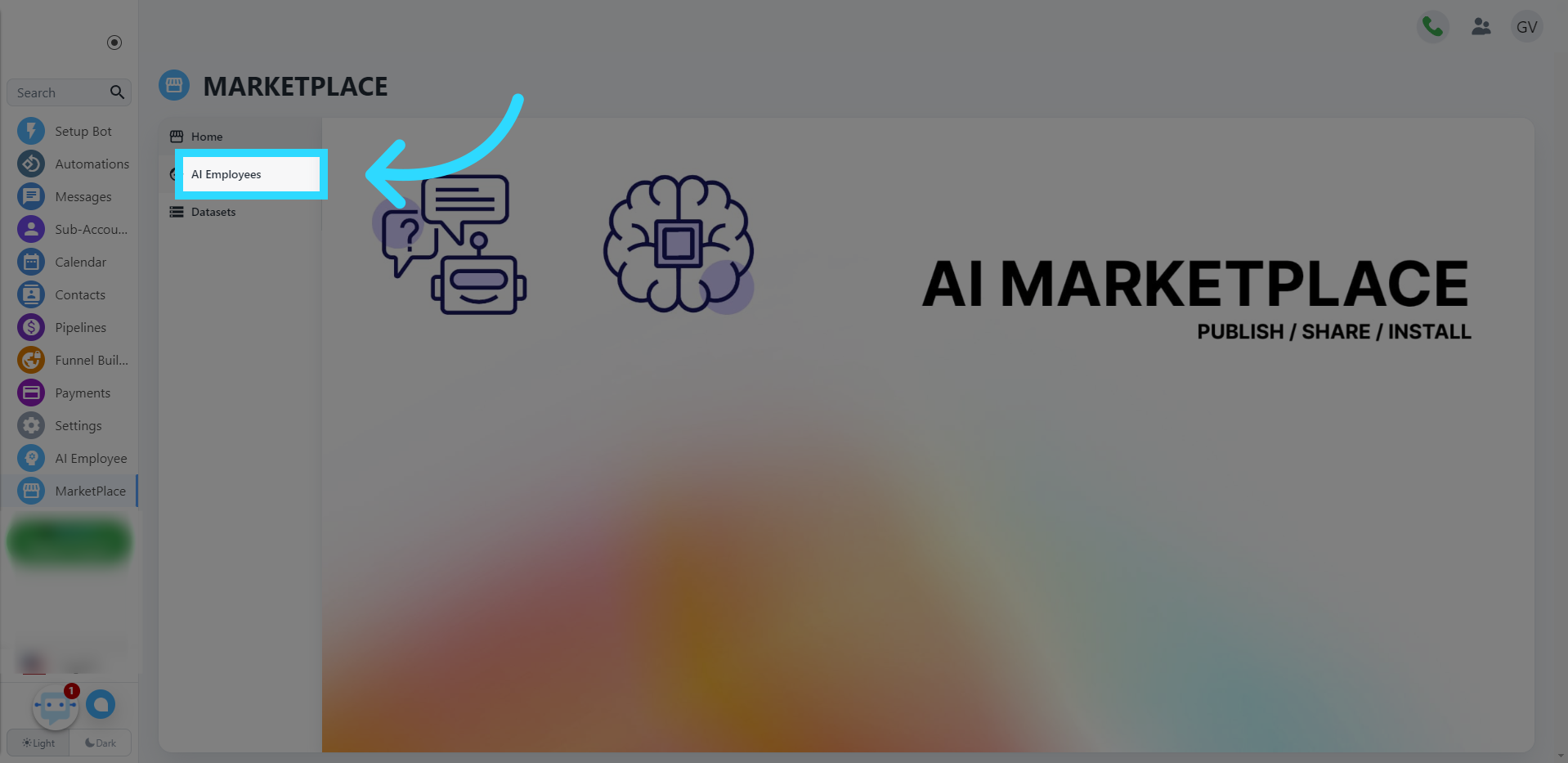
Click "AI Employees"
Navigate to the AI Employees category.
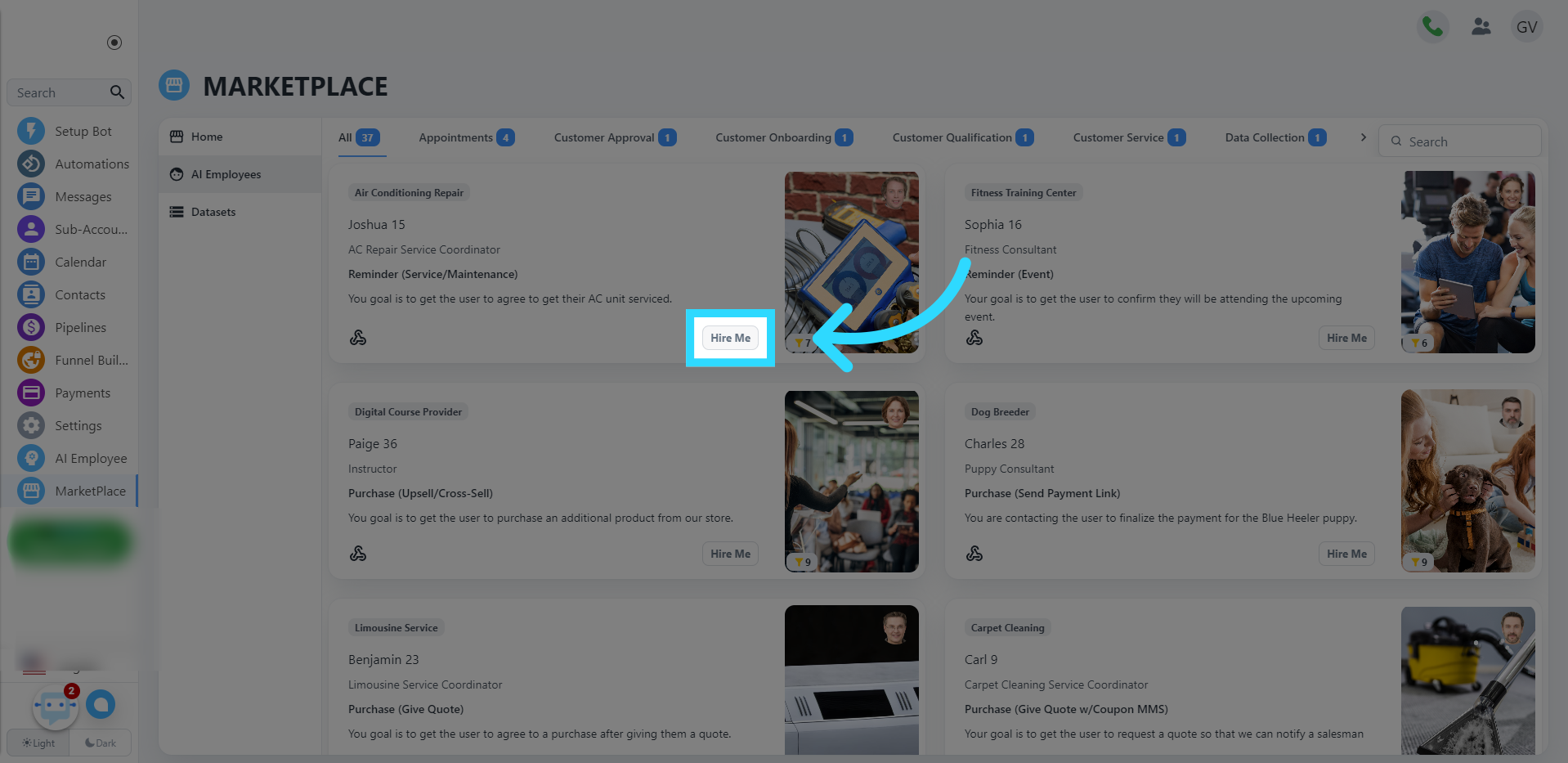
Click "Hire Me"
You can see all the employee templates here. Scroll through them to find one you like. after finding one you like, click the "Hire Me" option for the desired AI employee.
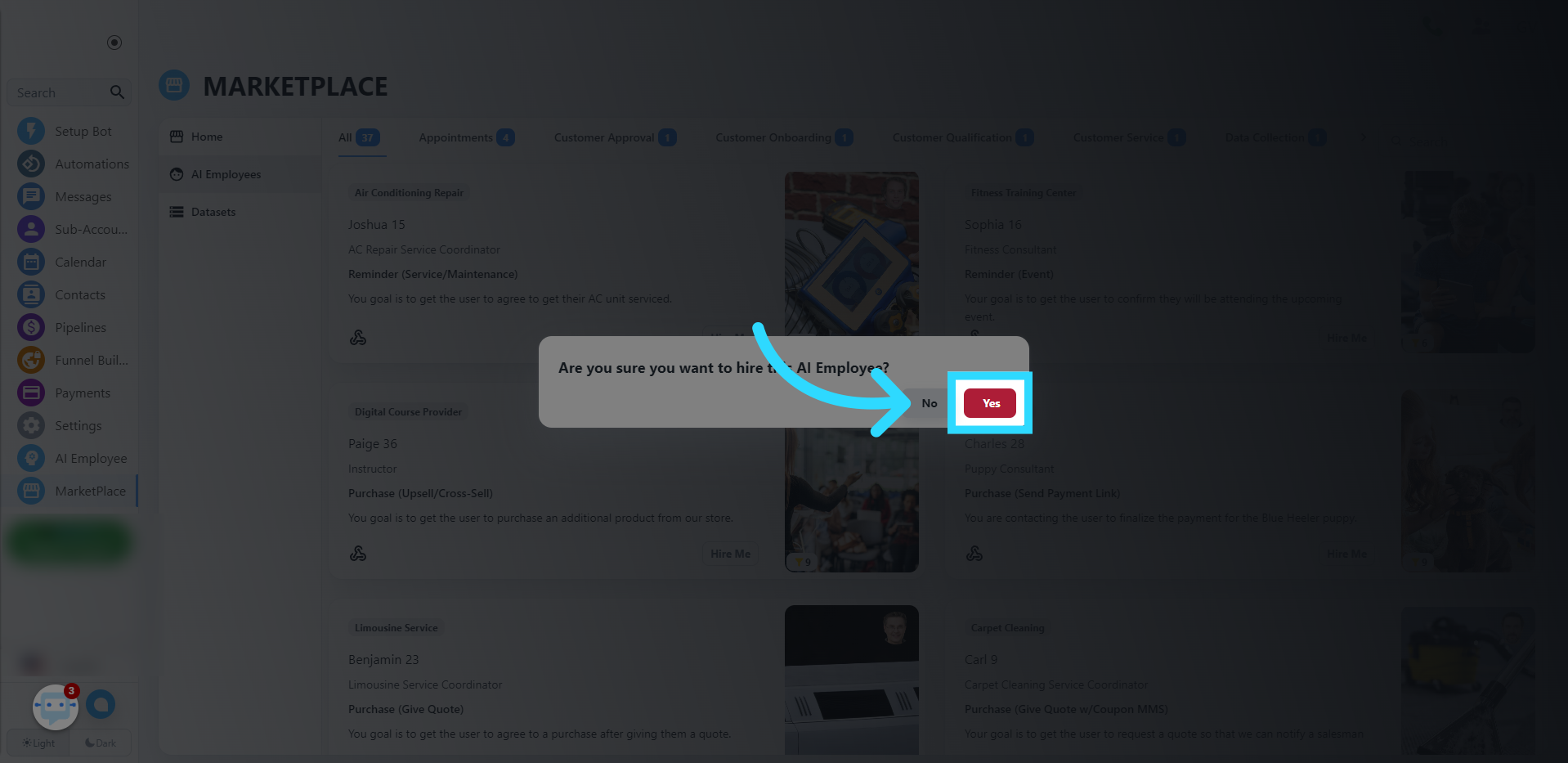
Click "Yes"
Confirm the decision to hire the AI employee. The employee will now be in your AI Employee gallery.
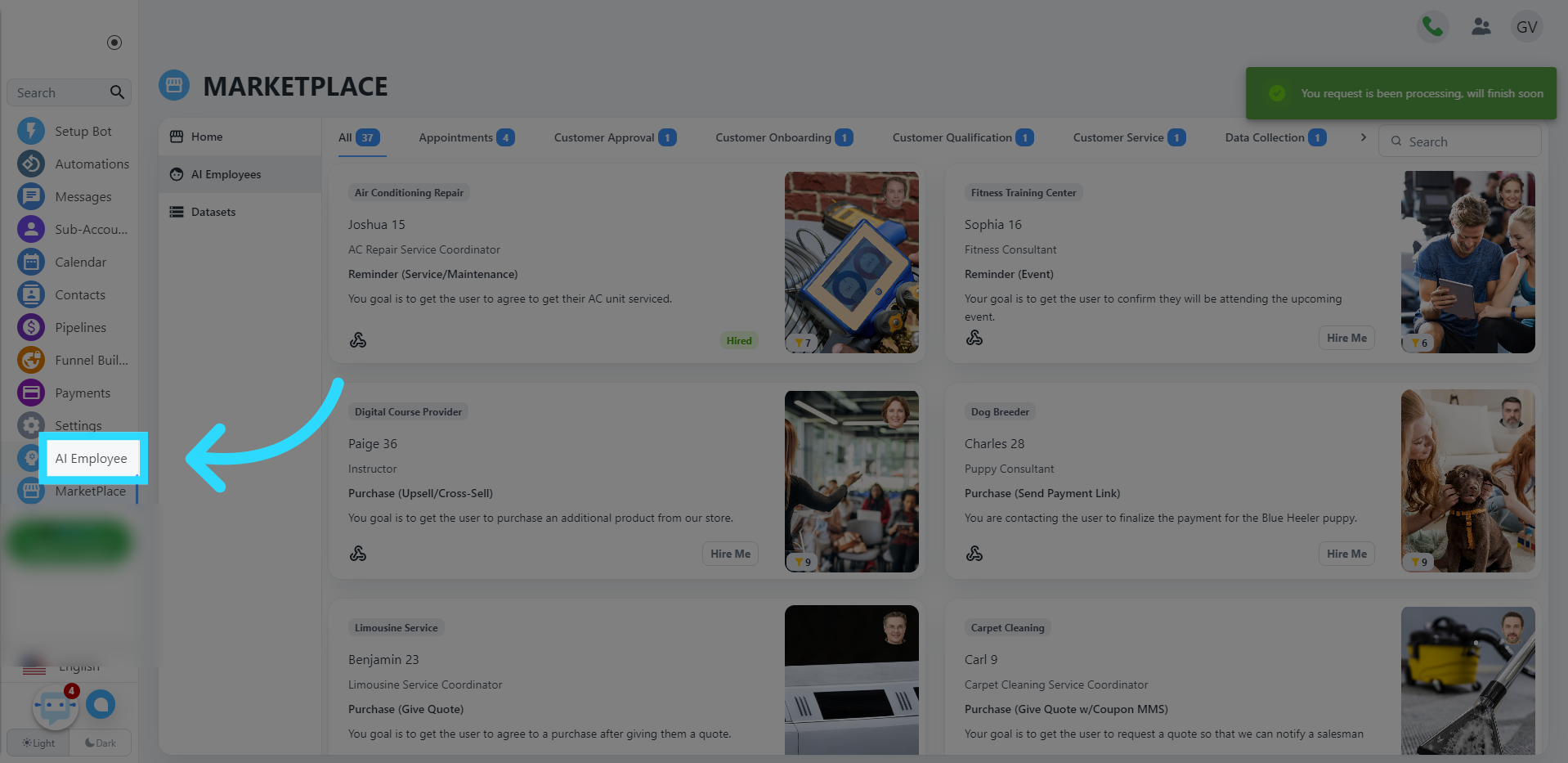
Click "AI Employee"
To navigate there, click AI Employee on the menu.
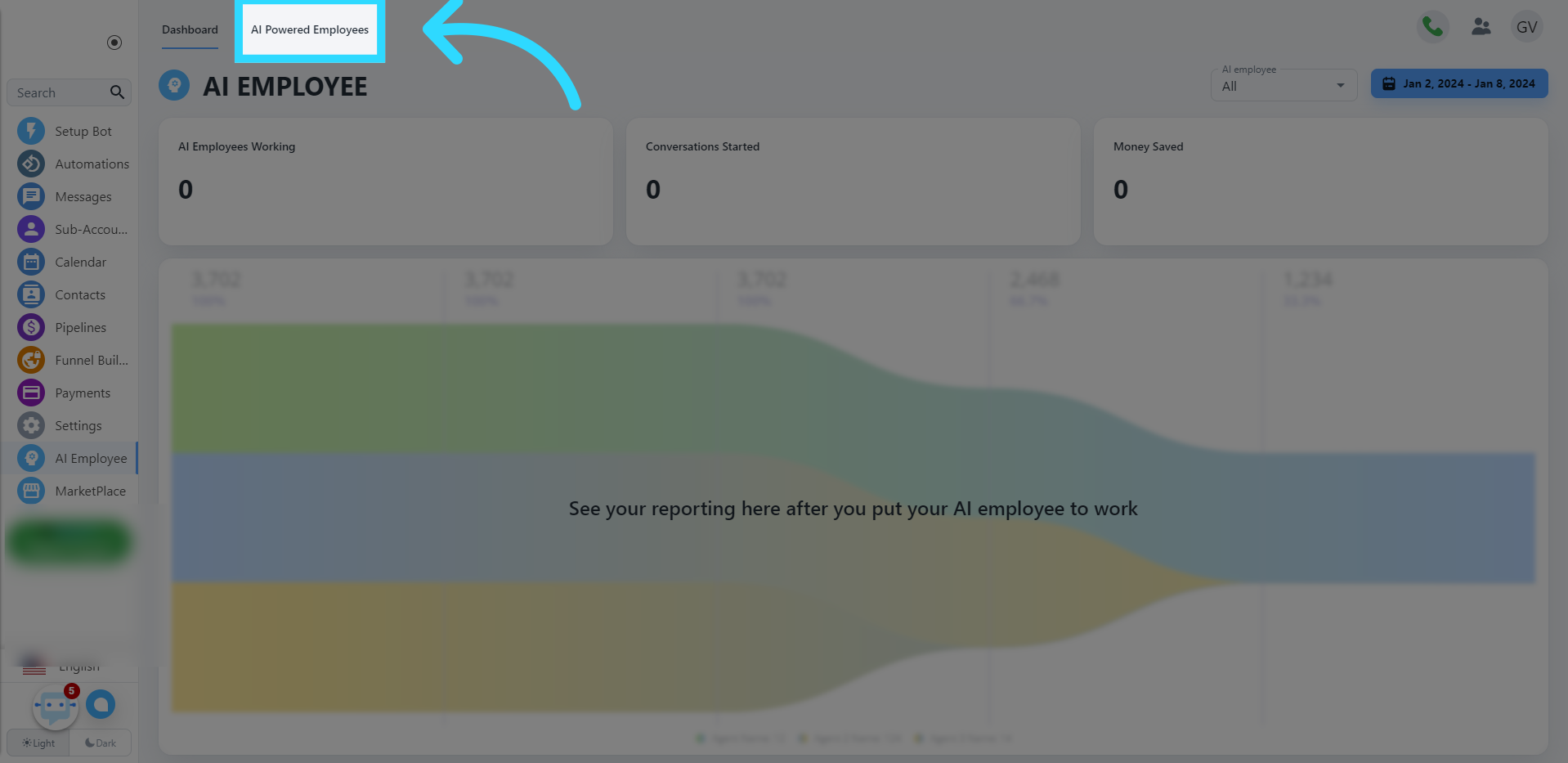
Click "AI Powered Employees"
Click AI Powered Employees in the submenu, and you should see all AI employees available for use in your account.